

IMMERSIVE READER with Word
Support reading and writing by using Immersive Reader to customize how word documents appear while you read and edit. Immersive Reader provides options for a comfortable and easy to process experience by allowing you to listen to the text read aloud or adjust how text appears by modifying spacing, color and more.
Need a Reading Coach?
Here is Microsoft Reading Coach:Engage students and improve reading fluency with AI-powered stories and personalised practice.
https://coach.microsoft.com/en-gb

APP FOR AI
Here is an efficient pal. Everything is possible with…

Amazing app for lesson development

Eduaide
Apps and Web tools for storytelling
DOMOANIMATE is a free tool that allows you to create funny stories including about 25 scenes with music, comics choosing among different characters according to the occasion.
To try DOMOANIMATE click here
You can create Funny photo stories with PHOTOPEACH
With SLIDESTORY you can tell your story with your pictures and recorder your voice. To try it click here
Create 3D stories with this cool tool ZOOBURSThere
DVOLVER is a tool that helps you create short movies with comics and funny characters. It is free and funny!
To try it, click here

STORYBIRD: tool to create colourful and amazing stories with pictures and drawings. To try it click here
Create YOUR video story with WEVIDEO
Comics and funny stories with Generator click here
STORYBOARDTHAT: to create comics and funny strips, to try it click here
MAKEBELIEFSCOMIX: to create comics. To try it click here
ZIMMERTWINS: Here is a site to create and share animated story. To try it, click here
To watch an example of DOMOGOANIMATE
Click: Domogoanimate
Apps and Web tools for ecards
Animoto is a funny web tool which allows you to create ecards with your photos choosing among colourful backgrounds. It’s free, you have only to sign up and log in! Have Fun!
To try ANIMOTO click here
To watch an example click here
SMILEBOX: another tool to create funny ecards with your photos choosing among colourful backgrounds. To try SMILEBOX click here
FOTOBABBLE: add your voice to a picture, useful tool for description and to motivate speaking!
To try FOTOBABBLE click here
VOKI: create your avatar and speaking character. Click here
ADOBEVOICE Images, symbols and sounds. Create you book trailer with VOICE
A list of most common web tools to create lessons and presentations
APPS FOR LESSONS
EDUCREATIONS, DOCERI and SHOWME are very useful Apps through which you can recorder your lessons, save them and share with your students. They allow you to paste your notes, to use a pen, and recorder your writing very quickly. Nice apps also to help dyslexic students with grammar notes.
To try DOCERI click here
To try EDUCREATIONS click here
To try SHOWME please click here
APPS FOR PRESENTATION and notes:

SWAY: amazing tool for presentation. You can add content and share your work very quickly. To try it click Here

OneNote: interesting tool for sync notes. Free download here
PREZI: dynamic and useful tool to create presentations. To try PREZI click here
HAIKU
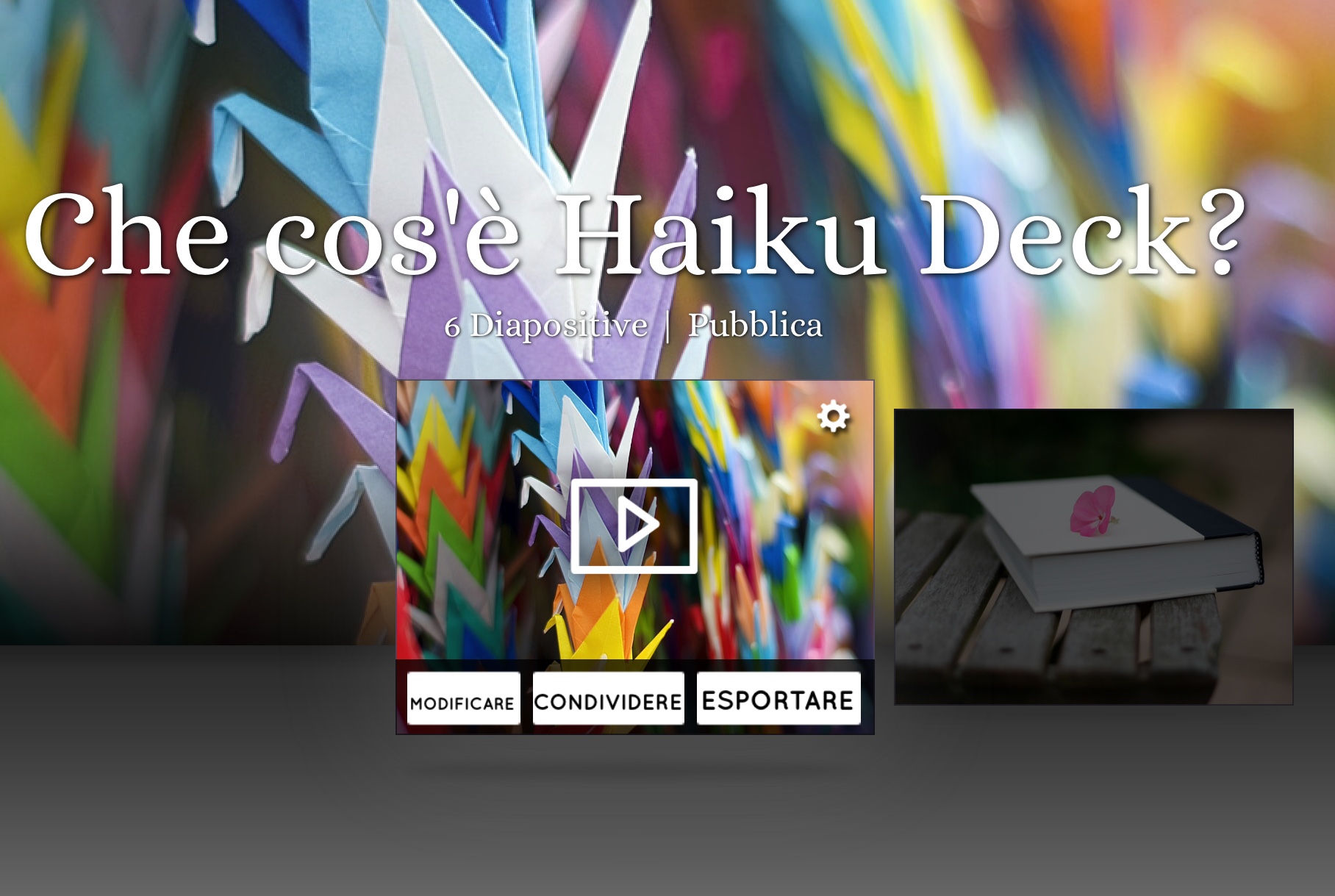
HAIKU DECK, a simple and easy software for presentations.
To try HAIKU DECK click here
MetaMoji Note: useful tool for cool notes. Click here
APPS FOR MAPS AND POSTERS.
Have fun with POPPLET and create your cool poster embedding videos and images. Click here
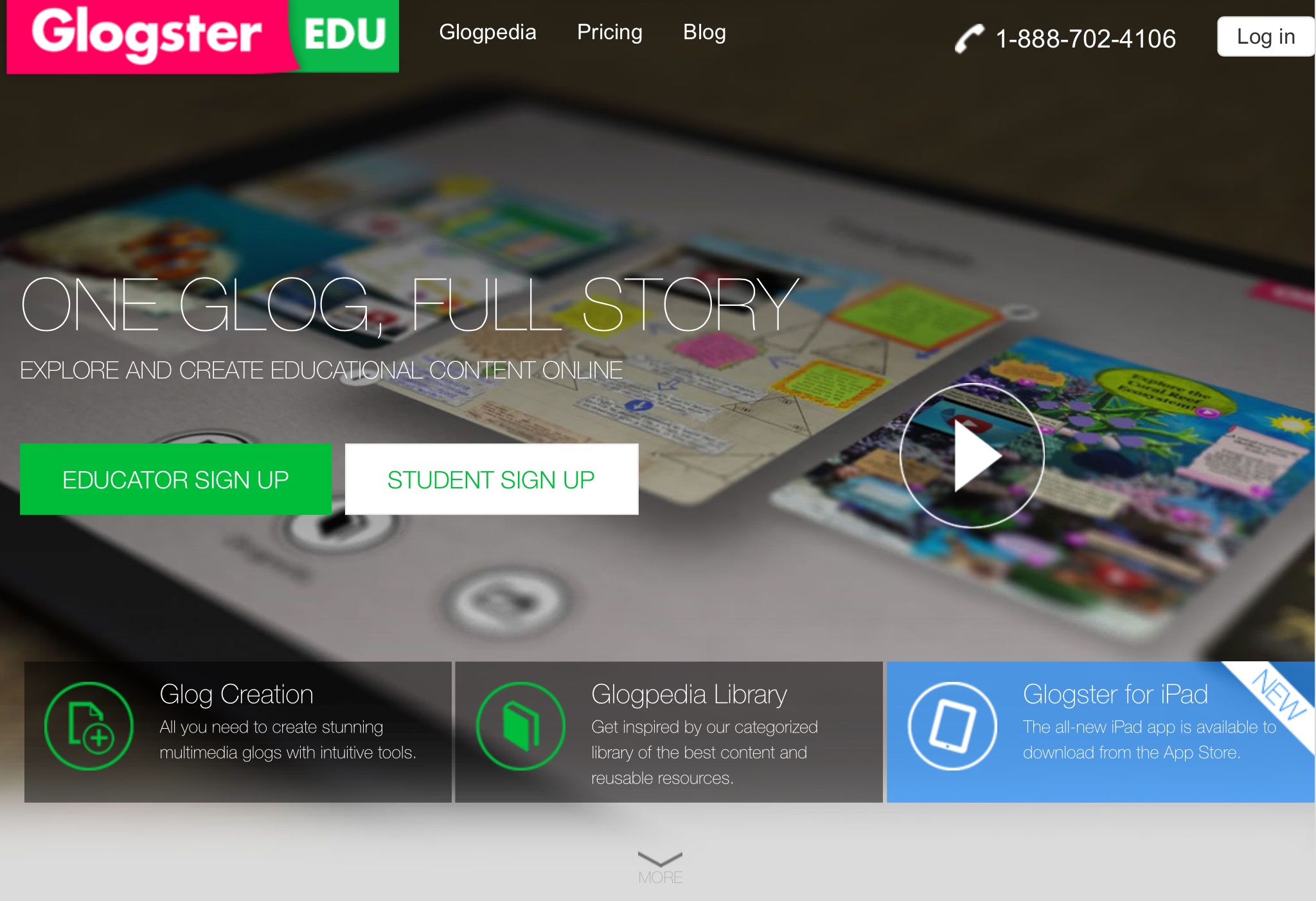
Create your mind map with GLOGSTER. You can add videos, pictures, music. Click here
Create cool mind maps with SPIDERSCRIBE click here


 TEFL CLASS WEBSITE